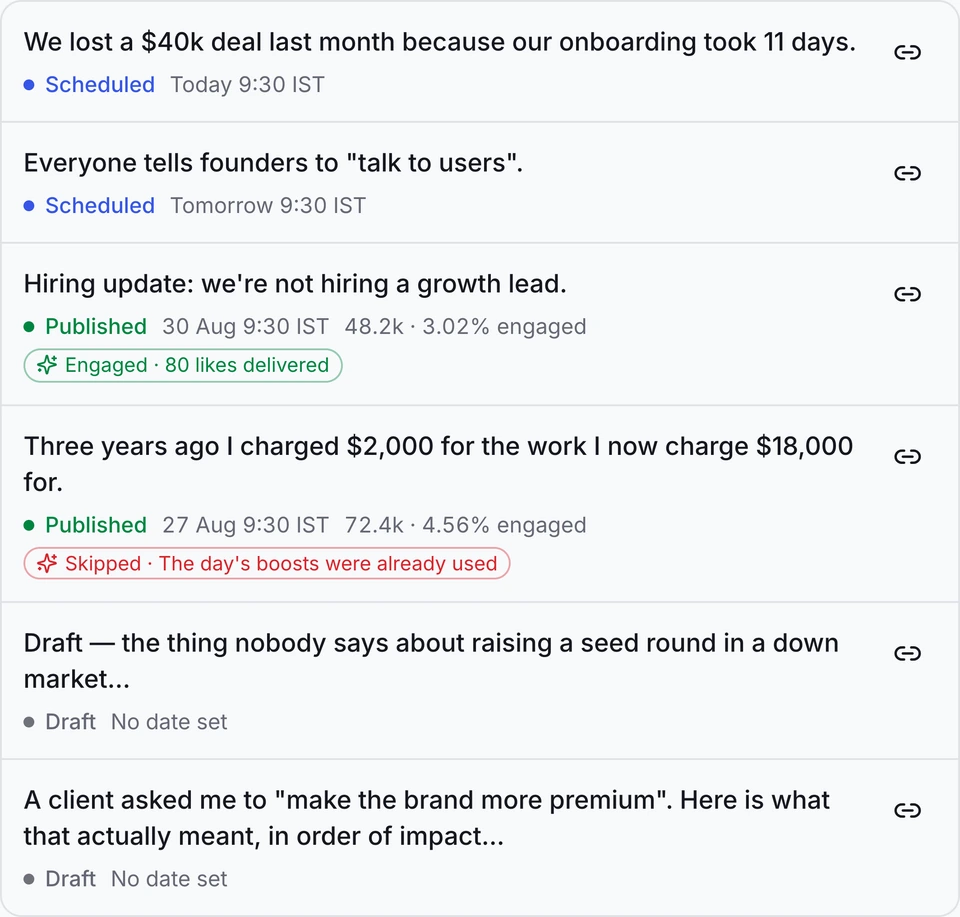
Write LinkedIn posts that sound like you. One account, or twenty.
Say what you want to get across. Hypelio drafts it in your voice, schedules it for the right time, and reports what actually worked.
 Priya R.Scheduled
 Arjun K.Scheduled
 Meera S.In review
 Tanvi N.Scheduled
Used by leaders from
The same four steps, whether that is one account or fifty.
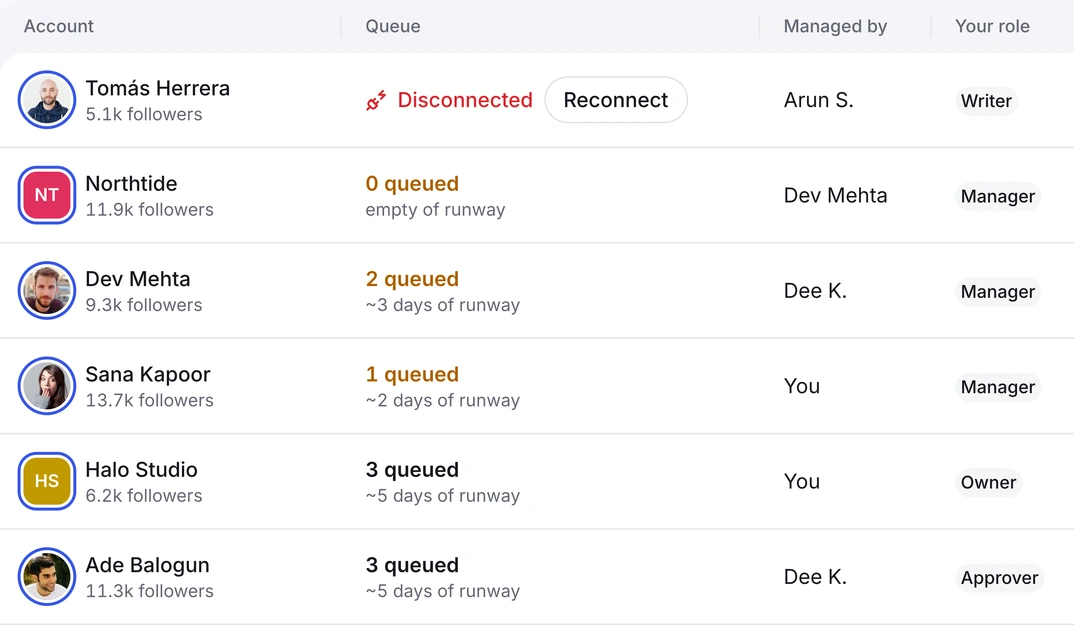
Every account moves through the same pipeline, so you always know what's drafted, what's waiting on a client, and what already went out.
Write
Draft in each person's own voice, trained on what they have already published.
Schedule
Fill each account's week at the times its own audience is actually online.
Approve
Send drafts for review. Nothing publishes until the person whose name is on it says yes.
Report
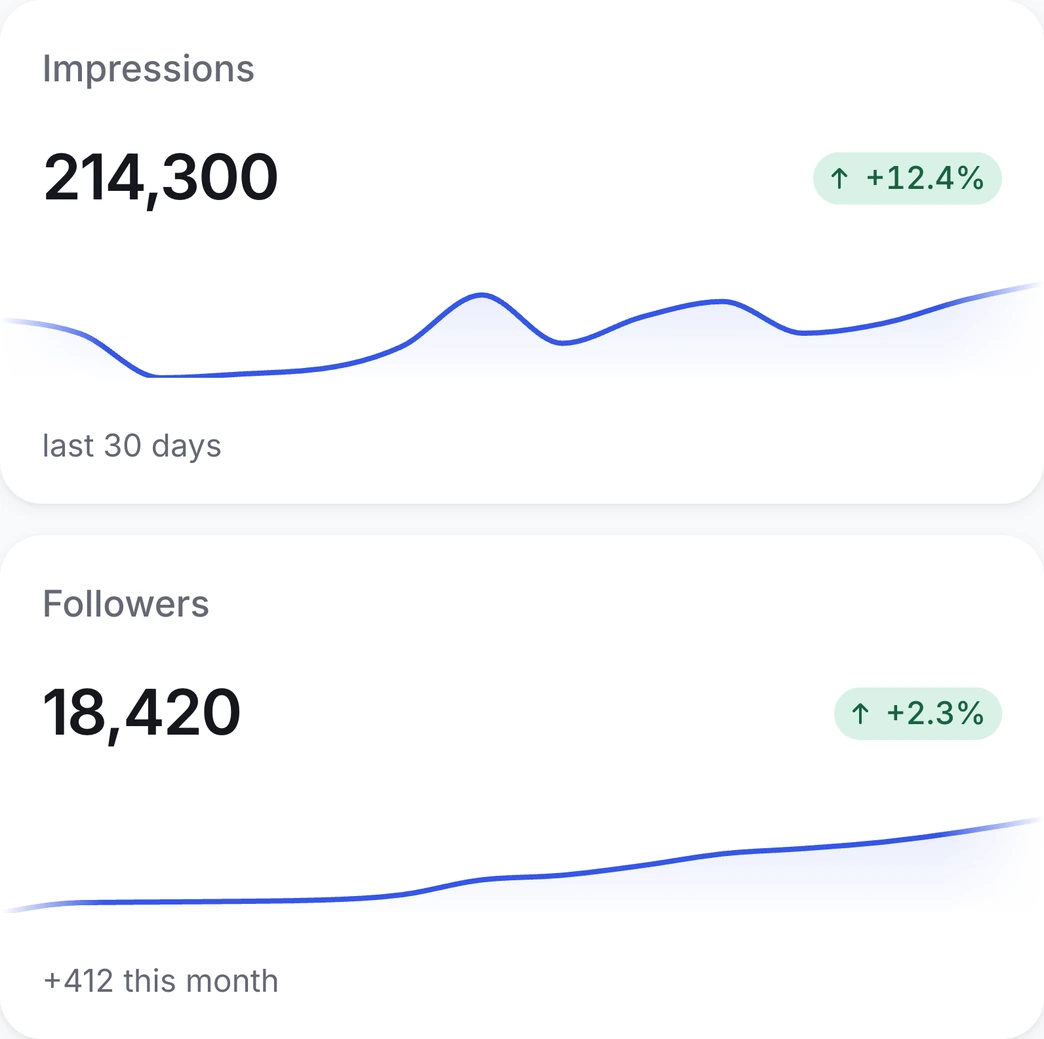
One dashboard across every account, and a client-ready report in two clicks.
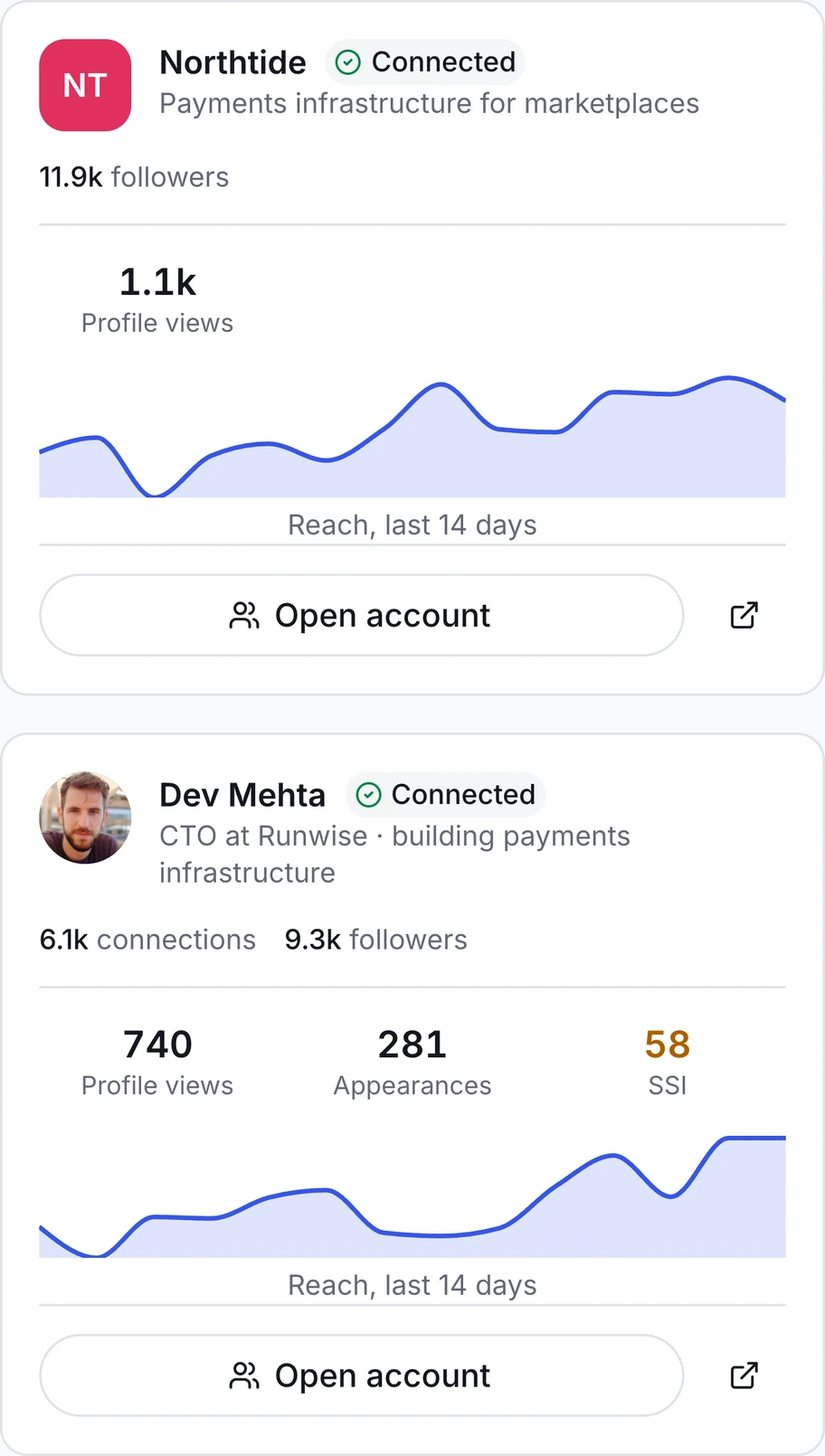
Every account gets its own workspace, and you never hold a password.
Every account gets its own workspace: its own voice, calendar, approvers and analytics. Switch between them in one click, and never ask a client for their password again.
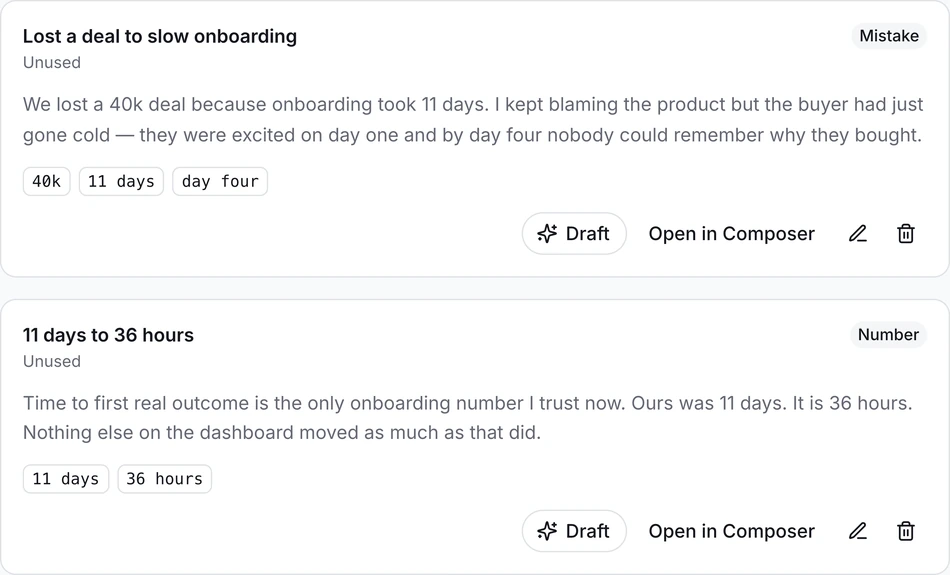
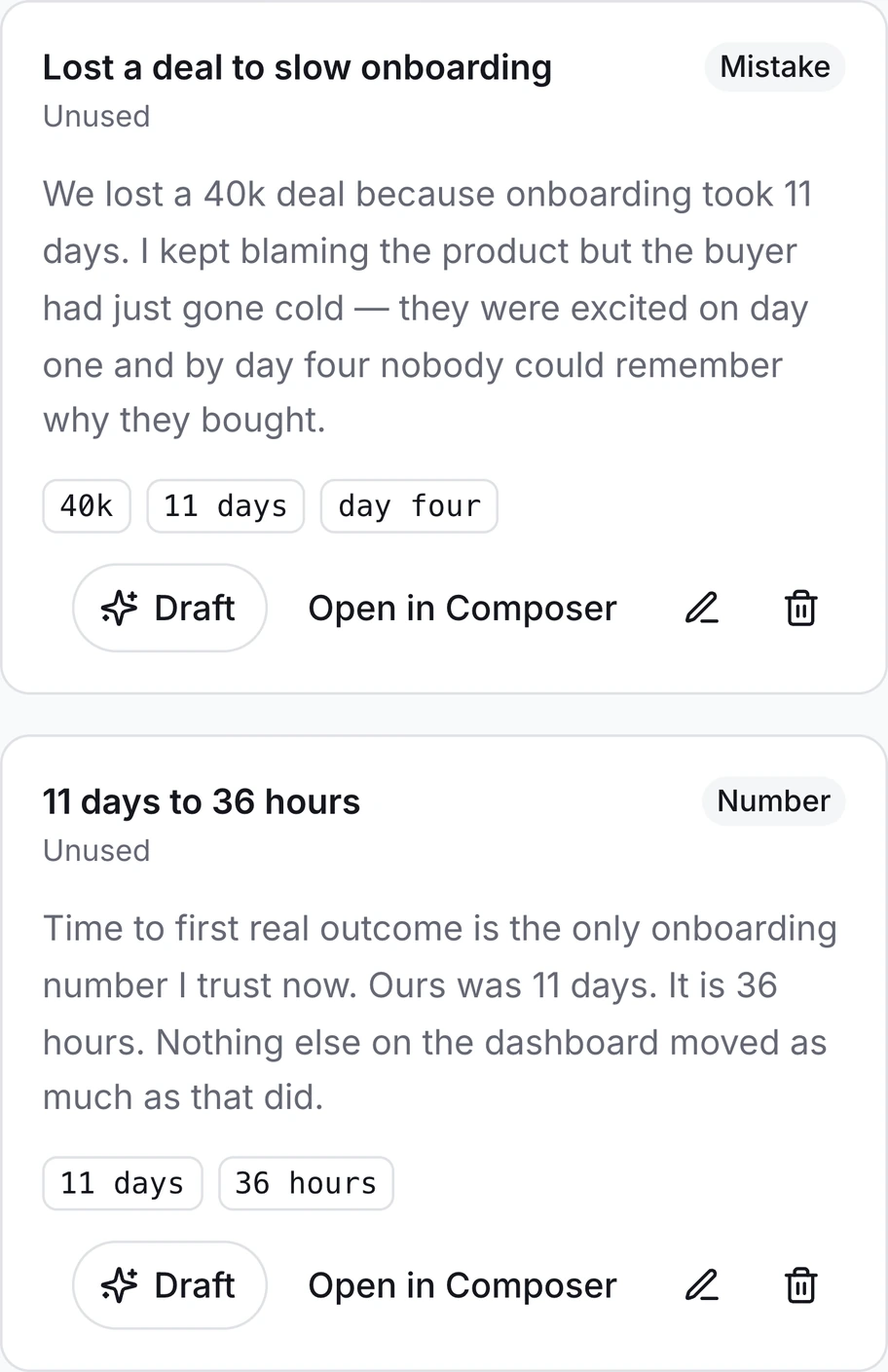
Everything it writes comes out of something you actually said.
Ten minutes of questions, answered out loud. What comes back is filed word for word — your sentences, not a model's guess at them. Every draft afterwards is built from that, which is why it does not read like every other post published that morning.
One box that already knows what a LinkedIn post needs.
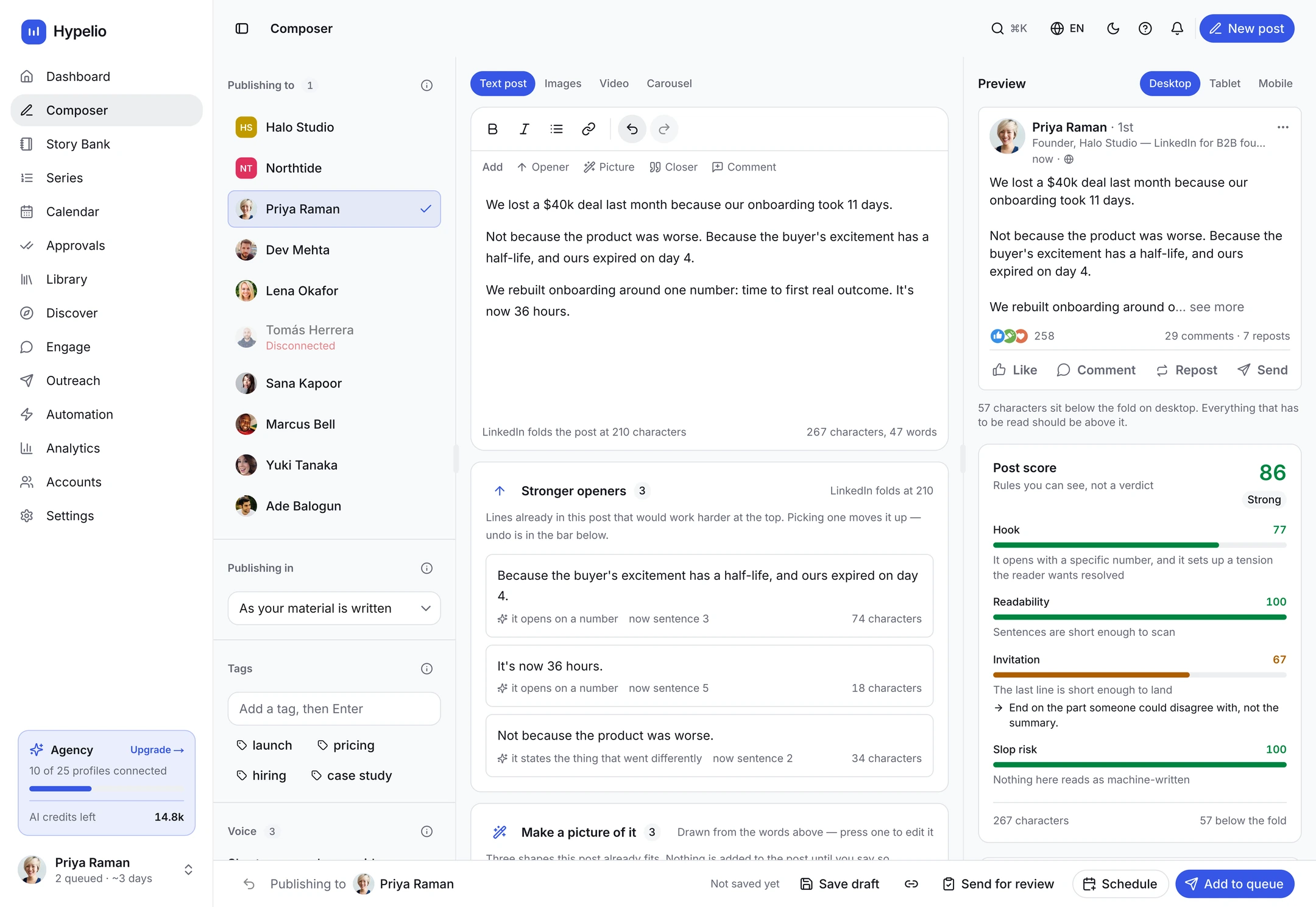
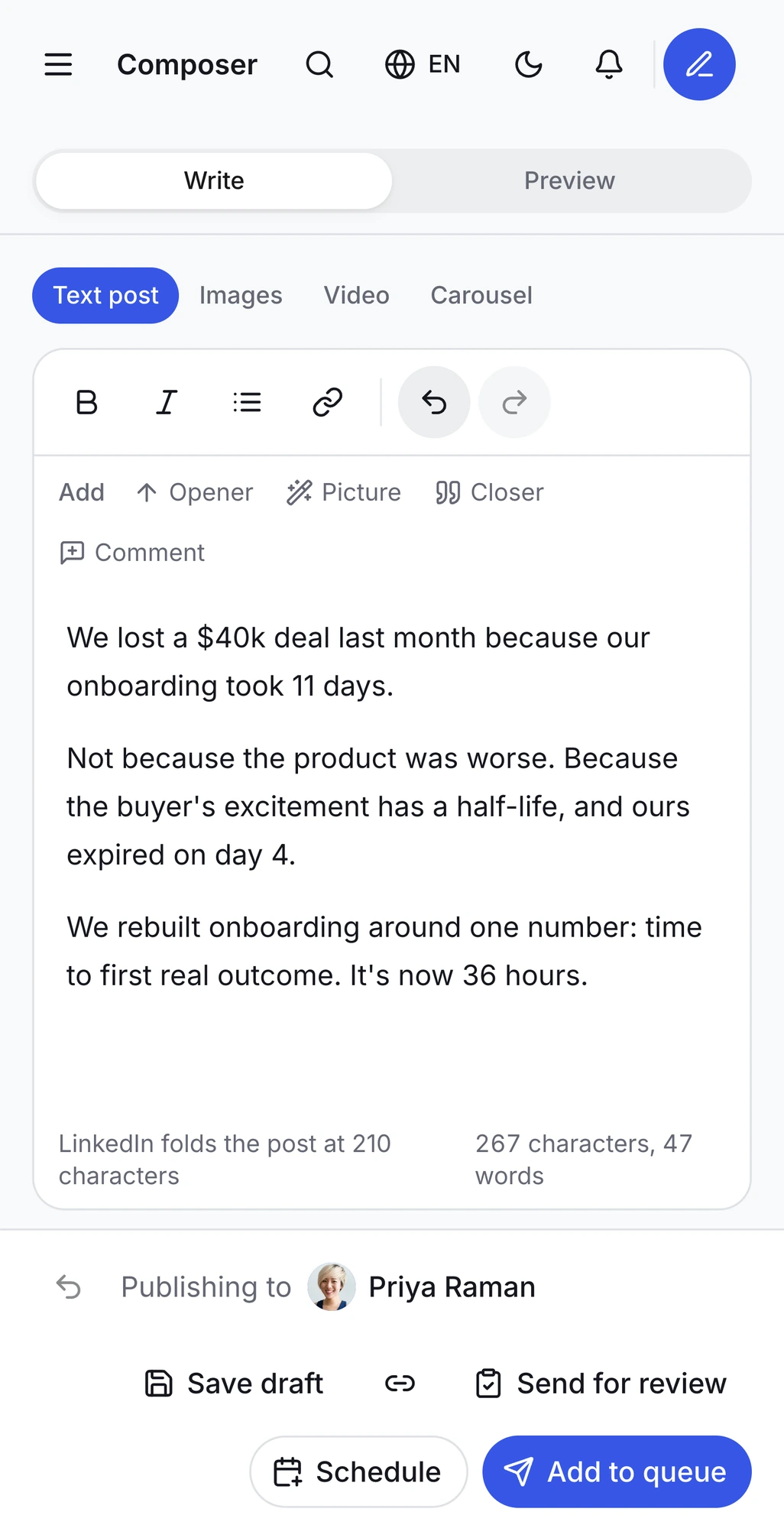
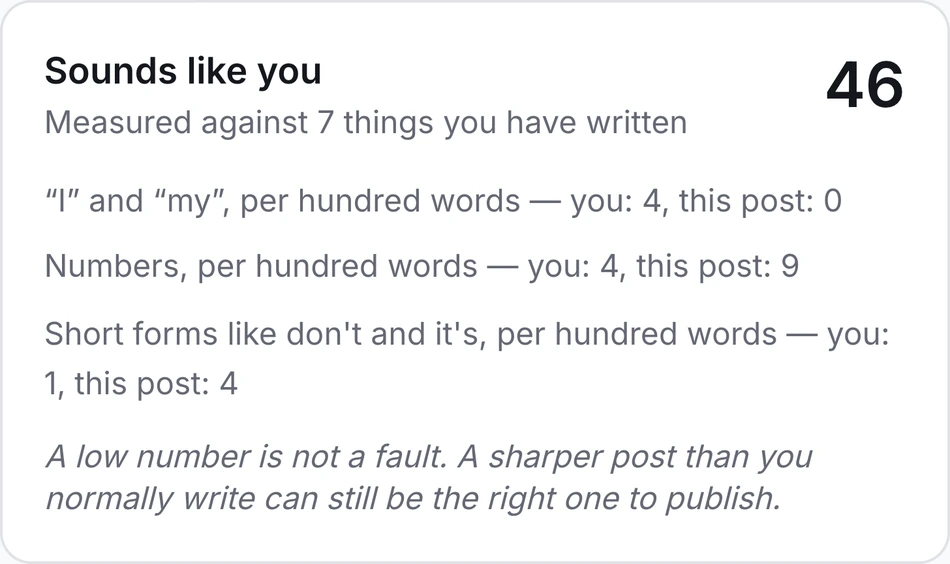
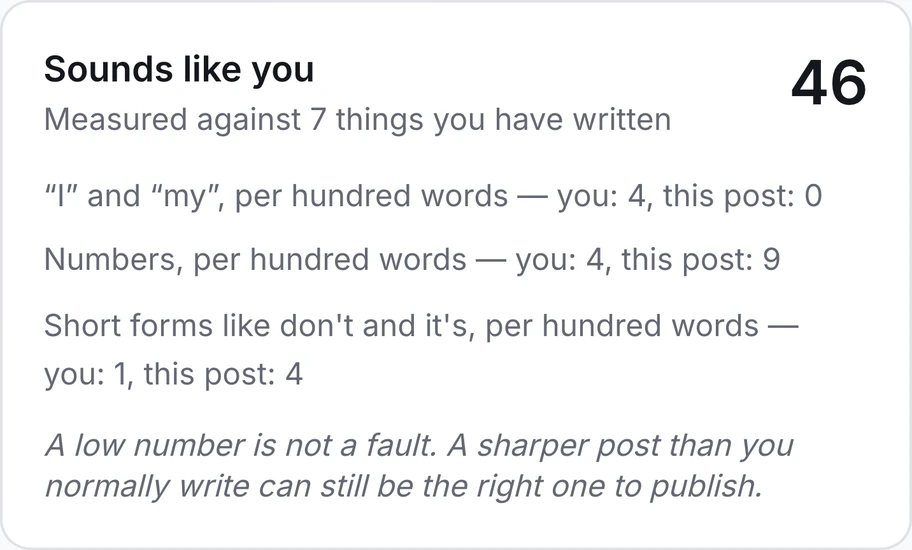
Openers pulled from lines already in your draft, a closer that asks for a reply, the first comment that carries your link, and a score that tells you why — all in the same box, on every account you write for.
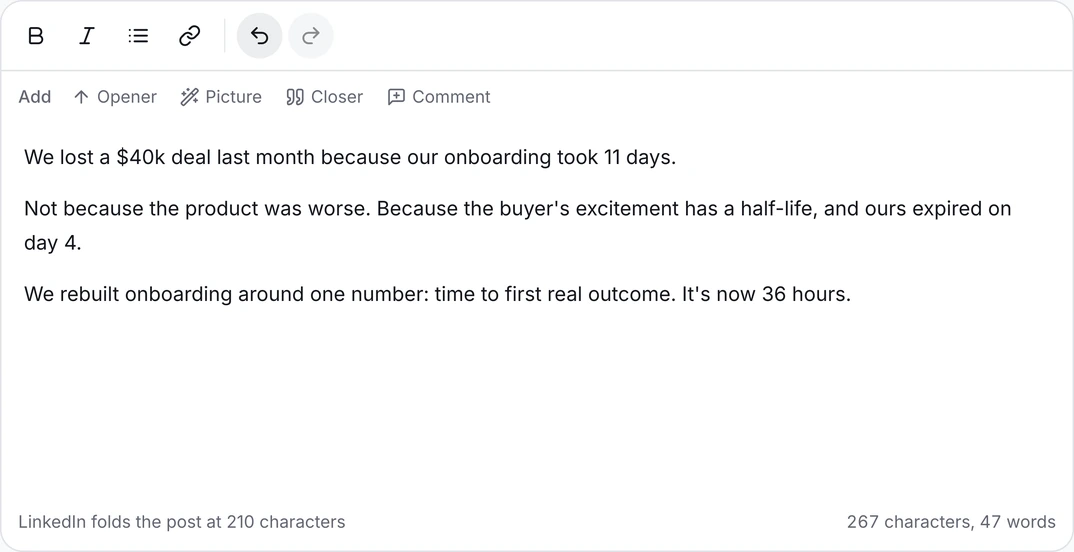
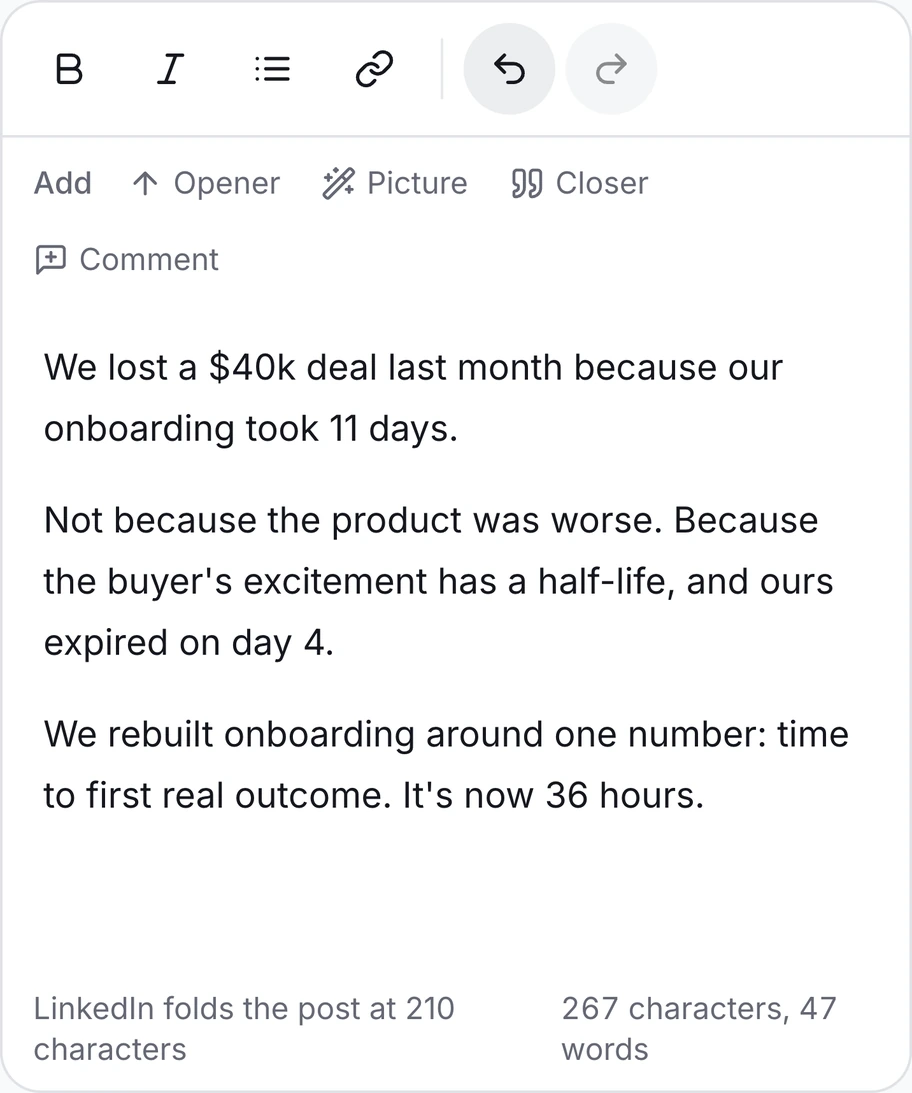
The fastest way to lose a client is a post that does not sound like them.
The fastest way to lose a client is a post that does not sound like them. Every account gets its own voice profile, trained on what that person has actually published, and it sharpens with each edit you make.
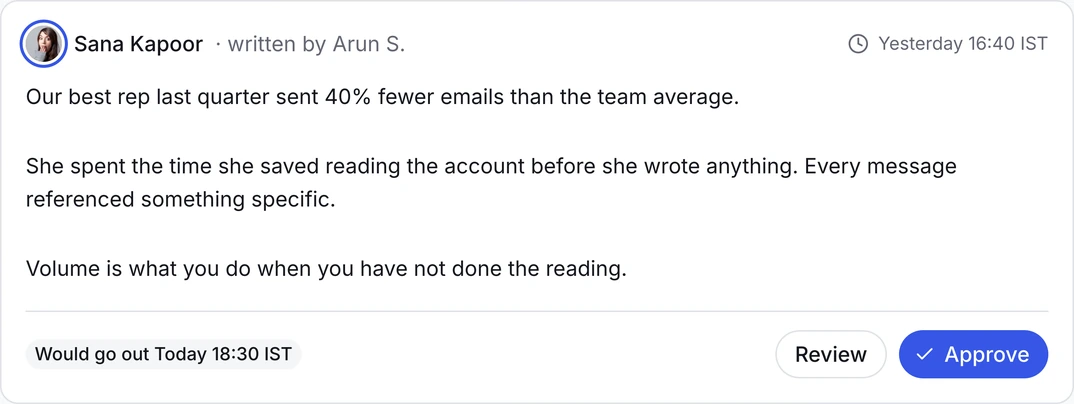
Nothing goes out with their name on it until they say yes.
Send a draft, they see it exactly as it will appear in the feed, and they approve or ask for a change. One queue for every account, with a record of who signed off and when.
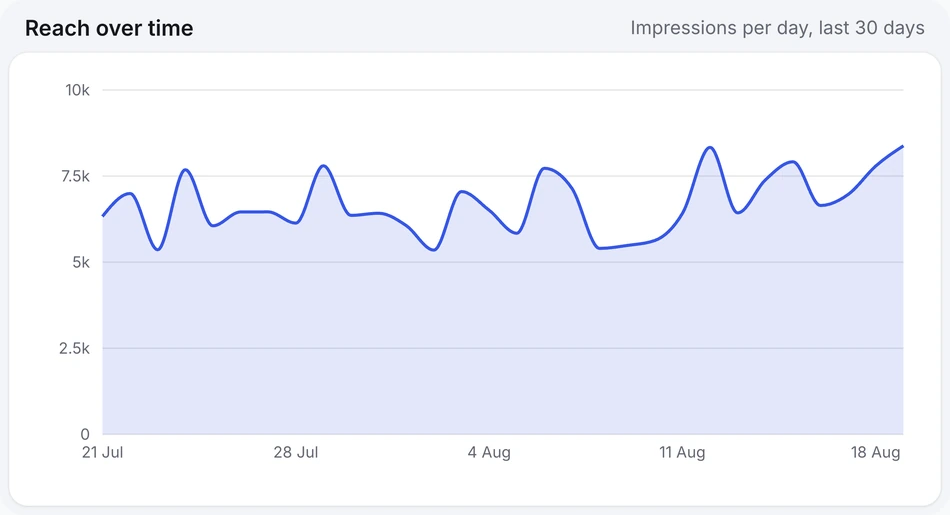
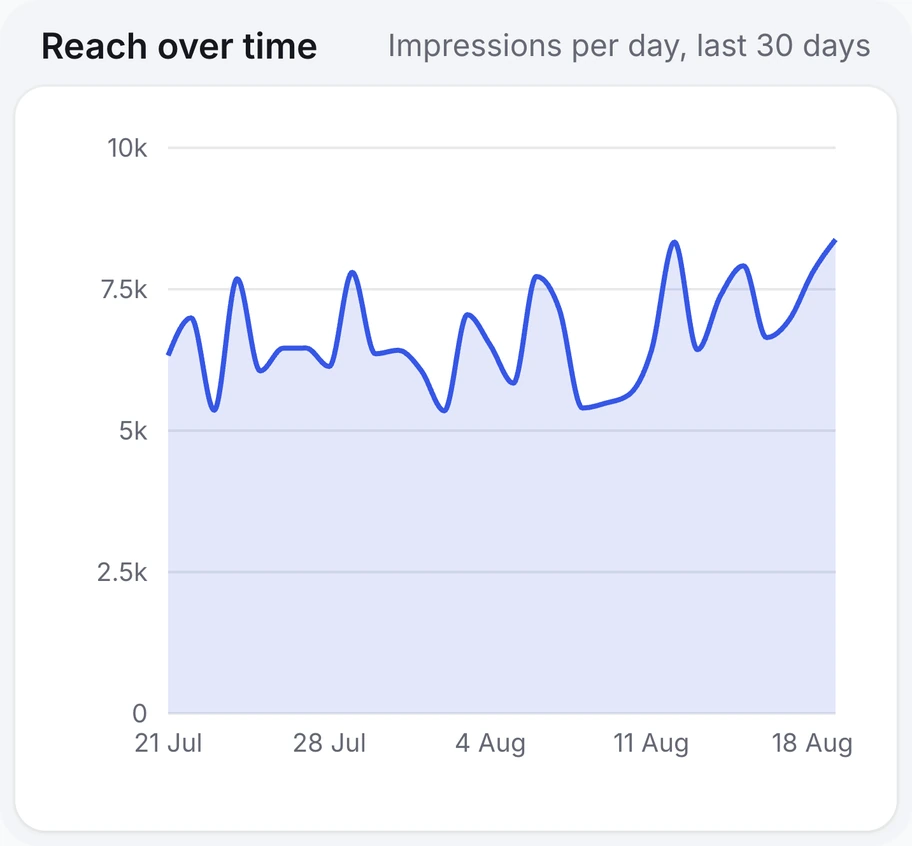
The report that gets the retainer renewed.
Reach, engagement and follower growth for every account you run, rolled up for you and broken out for them. And the account that quietly stopped posting is flagged before your client notices.
Ten minutes of commenting, not an hour in the feed.
Build a list of the people who matter for each account, then work their latest posts one at a time. Nothing is sent until you press the button — no pods, no auto-likes, no comments going out while you sleep.
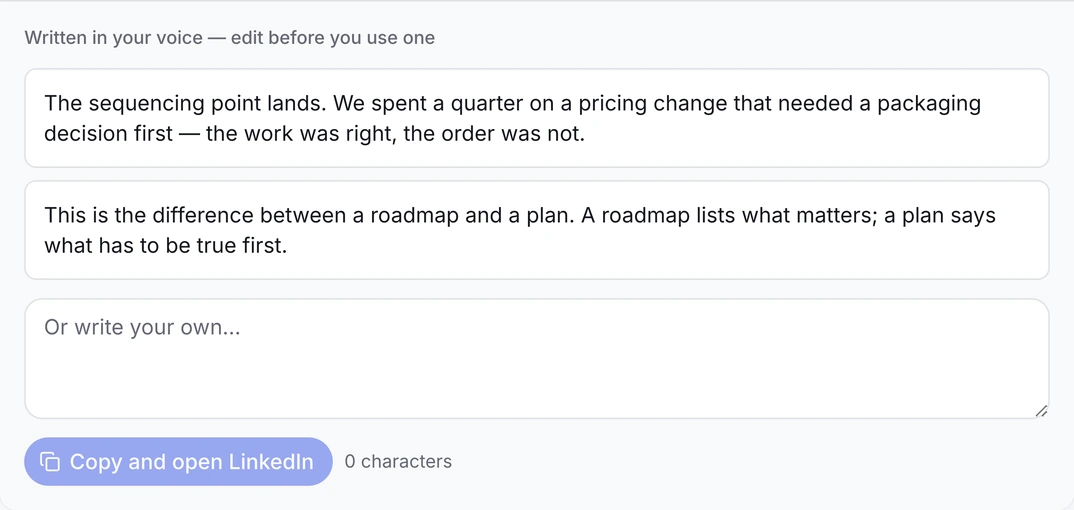
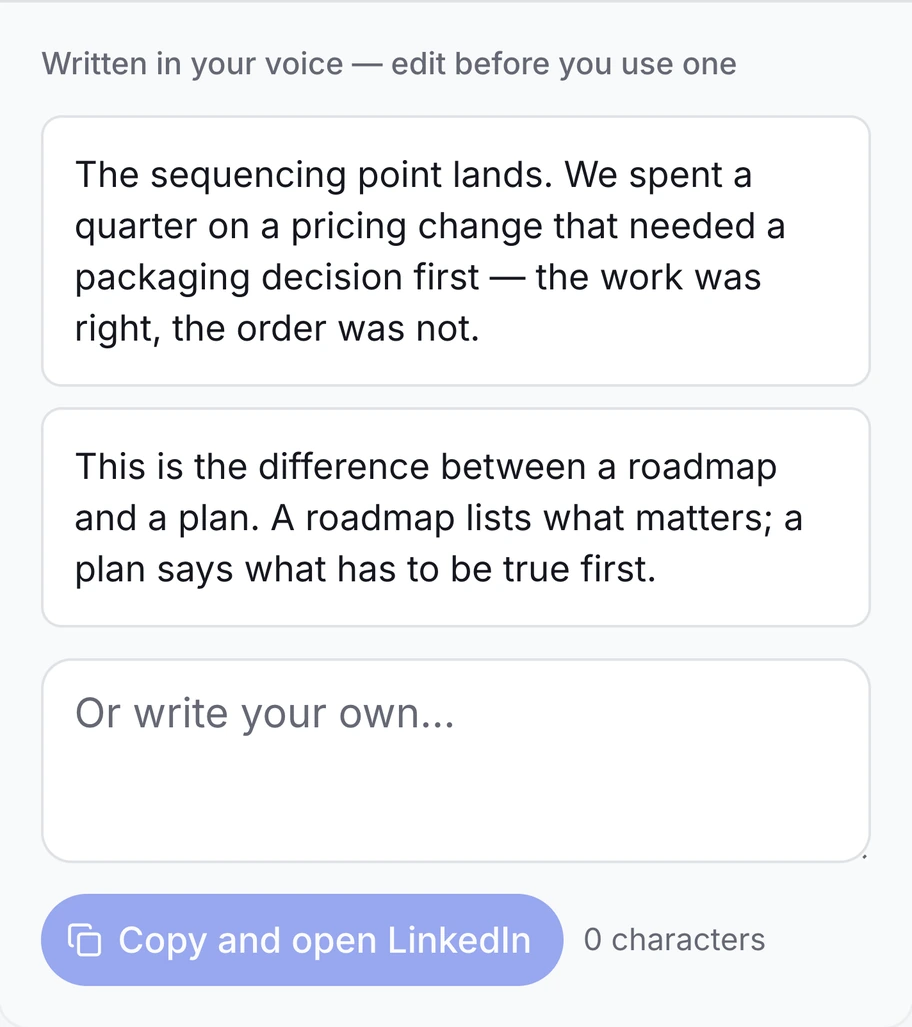
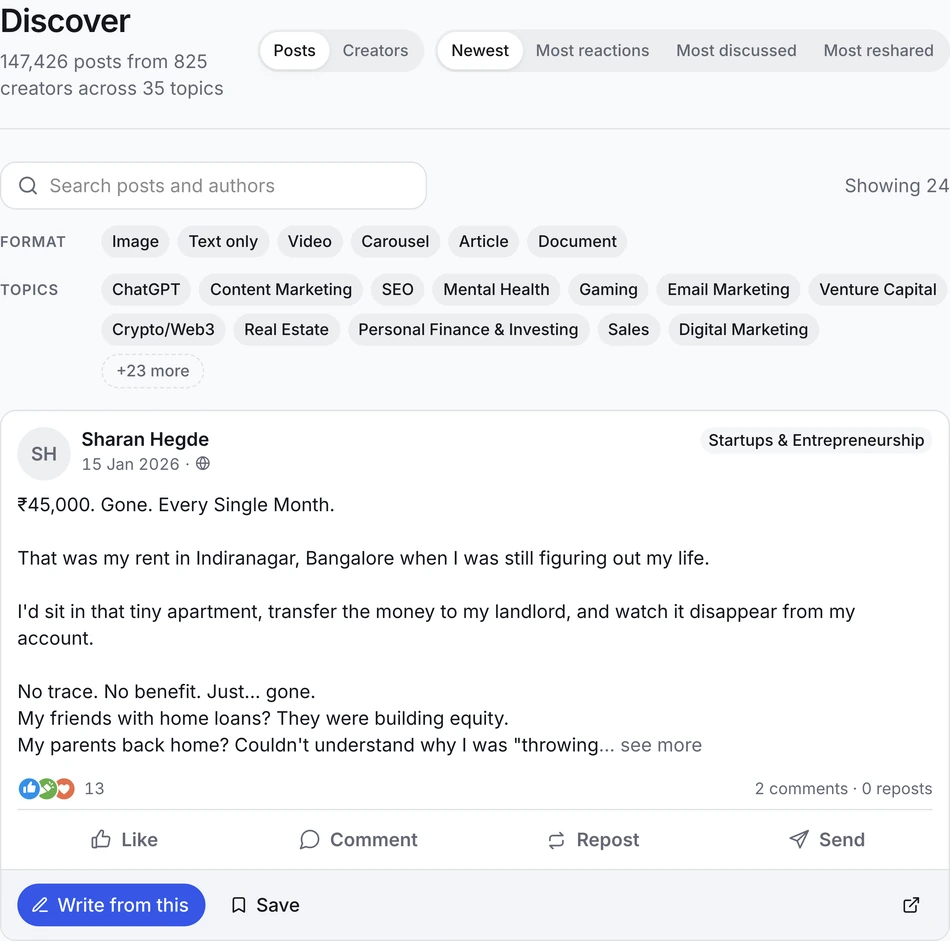
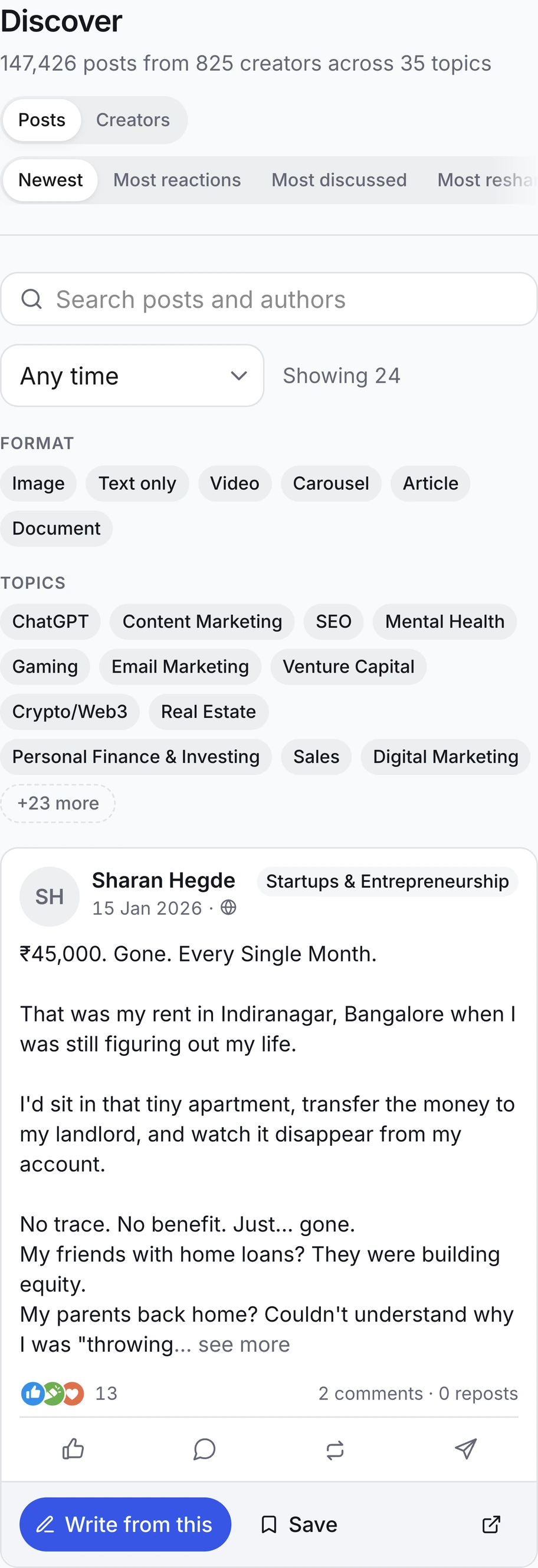
147,426 posts you can search, and write your own version from.
825 creators across 35 topics, filtered by format, subject and what actually performed. Find the post that already worked, then write yours from it — in that account's voice, not in the original author's.
An argument made over several weeks, not a folder of unrelated posts.
Say what you want people to come away believing. Hypelio plans the run from what is already banked, dates every slot, and leaves you to write them one at a time — so a month of posting makes one point instead of six.
That is the whole loop, on every account you run.
Connect one account and see it working before you move a single client across.
more posts published per account in the first 30 days
saved every week per account on scheduling and reporting
of drafts approved by the client without a rewrite
Built with the people who run the most accounts.
“I run fourteen founder accounts. Before this I had fourteen browser profiles and a spreadsheet of passwords I was genuinely scared of. Now it’s one tab.”
“The approval queue is the reason our legal team stopped blocking the programme. Every post has a name against it and a timestamp.”
“Each client sounds like themselves. That was the thing every other tool got wrong, and it is the only thing my clients actually notice.”
“Two of my clients are in financial services. The compliance reviewer gets the same link as everyone else, and nothing goes out until she clicks.”
“I stopped sending a monthly PDF I had spent a Sunday rebuilding. It exports with our logo on it in about two minutes.”
“We were quoted per seat by two other tools. Here I pay for accounts, so my editors and my intern cost nothing.”
“The voice profiles are the difference. My CEO client read a draft and asked which of his old posts I had copied. I had not.”
“I onboarded four clients in an afternoon and never saw a password. That sentence used to be impossible.”
“Twelve accounts, one queue. The part I did not expect was seeing which ones had gone quiet before the client noticed.”
The rest of it, without the tour.
On every account, on every plan, from day one. There is no tier where the calendar or the carousels go away.
LinkedIn calendar and queue
Drag-and-drop week, month and list views across every account at once.
Best time to post, per account
Each account publishes when its own audience is actually online.
Automatic first comment
Put the link in the comment so the post keeps its reach.
LinkedIn carousels
Build, brand and publish a document post without leaving the tab.
Repurpose into LinkedIn posts
Turn a call transcript, article or video into posts in the right voice.
Draft board
Idea, drafting, in review, approved, scheduled. Always know where things sit.
Post score
A read on hook, clarity and how human it sounds, before a draft ever reaches the client.
Voice notes
Your client talks for two minutes on a walk. You get a draft in their voice.
Company pages
Publish to a brand page from the same queue you use for personal profiles.
Formatting & polls
Bold, italic, line breaks that survive the feed, plus polls and document posts.
Content ideas
Angles drawn from each client's own topics and what their audience already responds to.
Adapt across accounts
Take one idea and rewrite it for several clients at once, each in their own voice.
Outreach sequences
Leads built from the people who already engaged, then a sequence you control.
Automation you can see
Everything that can run by itself is listed, capped per day, and off until you turn it on.
Engage lists
Group the people whose posts you want in front of you, per account.
Brand kits per client
Each client's colours and fonts, applied to their carousels automatically.
Everything under ⌘K
Jump to any account, post or screen without touching the sidebar.
Every post, with its numbers
One library across accounts: status, date, reach and engagement rate per post.
Every LinkedIn tool assumes you are writing for yourself.
That assumption breaks the moment you write for somebody else, and it breaks completely at ten.
Running accounts the usual way
Running them on Hypelio
Priced per account, not per sales call.
Multi-account is the product, so it is not locked behind a demo. Add accounts as you win them.
Solo — 1 LinkedIn account
One profile, done properly.
1 connected account
Voice profile & AI drafting
Calendar, queue & first comment
Analytics included
Unlimited teammates
Studio — 5 LinkedIn accounts
Five accounts, approvals included.
5 accounts, then $9 each
Approval workflows & roles
Credential-free client invites
Roster analytics & exports
Everything in Solo
Agency — 20 LinkedIn accounts
Twenty accounts and the API.
20 accounts, then $6 each
Workspace tags & saved filters
API, Zapier & Make
White-labelled client reports
Everything in Studio
Run every LinkedIn account from your AI assistant.
Connect the Hypelio MCP so Claude or ChatGPT can draft, send for approval and schedule across your whole roster. The entire workflow, from a single sentence.
Explore the Hypelio MCP →Works with Claude, ChatGPT or any MCP-compatible LLM
Run it from the tools you already use.
Most agencies already have a pipeline. Hypelio plugs into it rather than asking you to abandon it.
Run it from Claude or ChatGPT
Connect the Hypelio MCP and draft, schedule and pull a roster report by asking. Nothing publishes without your confirmation.
claude mcp add --transport http hypelio https://mcp.hypelio.com
Push drafts from your own pipeline
A public REST API so content written in Notion, a CMS or your internal tool lands straight in the right client's queue.
POST /v1/accounts/:id/drafts
Zapier and Make
Trigger publishing, sync approvals, or push monthly numbers into the client report you already send.
New approval → Slack → Sheet
The behaviour that gets accounts restricted is the behaviour we do not ship.
The accounts are your clients'. We treat them that way. Hypelio publishes through LinkedIn's official integration — no scraping, no browser bots, no automated connection requests.
No passwords, ever
Clients authorise their own account from a secure invite. Their credentials never reach you or us.
No bot behaviour
We publish and we measure. We do not mass-connect, auto-DM or scrape the feed.
Revoke in one click
A client can disconnect at any time from their own LinkedIn settings, without asking you.
What to ask before you move a client account across
Do I need my clients' LinkedIn passwords?+
No, and you never should. You send a secure invite link, the client authorises their own account, and their credentials never touch your team or ours.
How many accounts can I actually run?+
As many as you need. Plans start at one and add accounts at a flat per-account rate. There is no tier where multi-account gets locked behind a sales call.
Will posts sound like the person, not like AI?+
Each account gets its own voice profile, built from what that person has already published and refined by your edits. A draft for one client will not read like a draft for another.
Can a client approve without learning a new tool?+
Yes. They get a link, see the post exactly as it will appear in the feed, and approve or request a change. That is the whole interface they ever touch.
What happens when I take on a new client?+
Add a workspace, send the invite, and point the voice profile at their existing posts. Most accounts are producing drafts the same day.
What happens when a client leaves?+
Archive the workspace and the account stops billing at your next renewal. Their content and analytics stay exportable for 90 days, and the client keeps their own LinkedIn account and everything already published on it. You are never locked into paying for a client you no longer have.
Do I pay per client, or per person on my team?+
Per client account. Your own writers, reviewers and admins are unlimited on every plan, because charging you for the people doing the work would make no sense. Five accounts means five client profiles, however many of your team touch them.
I already run clients in another tool. How do I move?+
Import your scheduled posts as a CSV and connect each account with the same secure invite you would use for a new client. Nothing needs to go out of the old tool before it goes into this one, so you can run both in parallel for a week and switch when the queue looks right.
What happens if a scheduled post fails?+
It retries, and if it still cannot publish you get told immediately rather than finding out from the client. Every attempt is logged against the account, so you can show exactly what happened and when.
Start with one account. Add the rest as you win them.
Bring every account you write for into one workspace, and get your week back.
14-day trial · No card to start · Cancel anytime