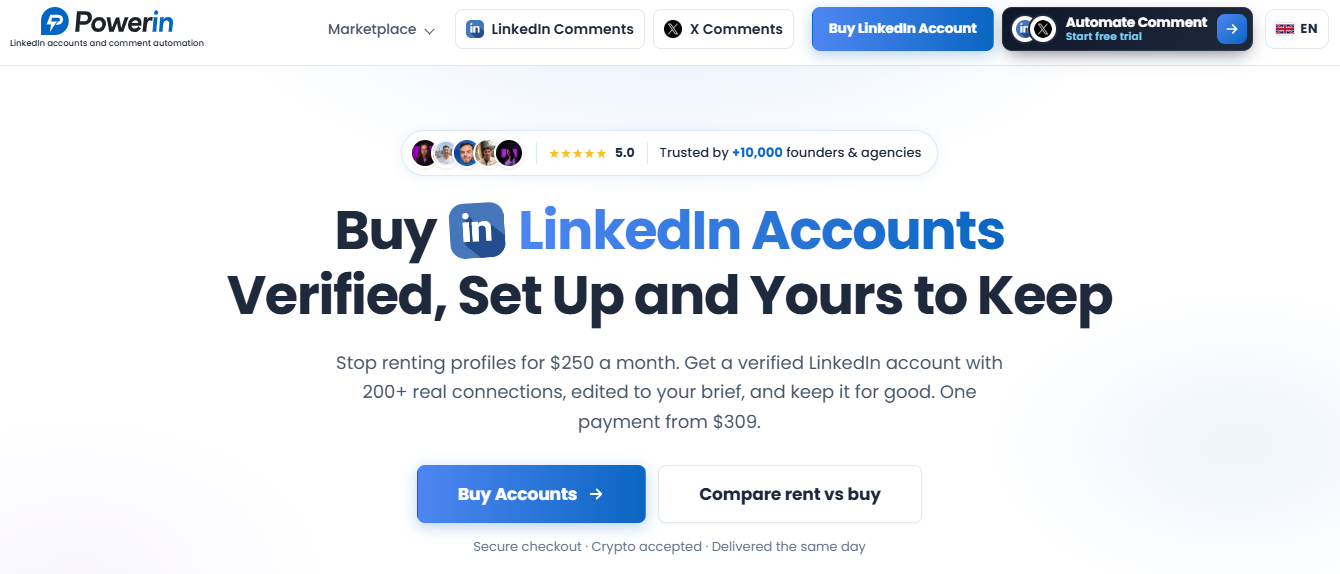
Looking for PowerIn alternatives for LinkedIn in 2026? Compare 7 tools on AI comment quality, safety, pricing, and lead-gen outcomes — not just feature lists.
The Hypelio team
November 21, 2026
7 Best PowerIn Alternatives for LinkedIn in 2026
📅 ⏱ 14 min read📝 ~2700 words
A pattern observed across LinkedIn engagement tools is that most people switch away from PowerIn not because automation fails them — but because generic automation does. PowerIn is an AI LinkedIn comment automation tool that surfaces relevant posts and fires AI-generated comments on your behalf, removing the need for daily manual engagement. The core problem: it optimises for comment volume, not comment authenticity. And on LinkedIn, where personal brand management depends on trust signals, that distinction is the difference between building a pipeline and just making noise. These seven PowerIn alternatives solve for quality, not just quantity.
Key Takeaways
Who this is for: creators, founders, ghostwriters, and agencies evaluating LinkedIn engagement tools in 2026
What you'll learn: which PowerIn alternatives genuinely improve lead-gen outcomes, not just comment volume
The critical gap: AI comment authenticity — not feature lists — is what separates tools that convert from tools that clutter
Most counterintuitive finding: more automation ≠ more growth; poorly calibrated auto-commenting can actively damage your personal brand credibility
Best for agencies: Hypelio — multi-account workspace, story-bank AI, client approval workflow, no password sharing
Safety note: every tool here carries some LinkedIn ToS risk; safer tools mimic human behaviour patterns and include manual review steps
PowerIn is a LinkedIn engagement automation tool that lets users set targeting filters — keywords, industries, specific profiles — and then auto-generates and posts comments on matching LinkedIn content. The idea is sound: show up consistently in relevant feeds without spending two hours a day doing it manually. Users set it, and the tool handles daily visibility.
In practice, the complaints are consistent. Community discussions repeatedly surface the same three frustrations:
Platform scope is narrow — no meaningful linkedin post generator or scheduling layer
Lead-gen ROI is unclear — high comment volume doesn't translate into profile visits or conversations
The frustration isn't with automation as a concept. It's that PowerIn optimises for output speed, and speed without authenticity doesn't build a personal brand — it dilutes one.
Is PowerIn Safe to Use on LinkedIn?
PowerIn carries a moderate safety risk. Like most LinkedIn automation tools, it operates in an area that LinkedIn's Terms of Service does not explicitly permit. Tools that post comments automatically without human review are more detectable than tools that require a manual sign-off step before anything goes live. PowerIn's fully automated mode — where comments post without user confirmation — is the riskier configuration. If you use it, rate-limiting your daily comment volume and enabling any available review queue significantly reduces exposure.
⚠️
Warning:Fully automated LinkedIn commenting — where no human reviews comments before they post — is the highest-risk configuration across all tools in this category. Accounts that run high-volume automation without rate limits have been temporarily restricted within days. Always enable a review or approval step.
PowerIn Pricing vs Competitors — Is It Worth It?
PowerIn's pricing sits in the mid-range for LinkedIn engagement tools, typically around $29–$49/month depending on the plan. At that price point, you're paying primarily for comment automation with limited post creation or scheduling capability. Alternatives like Taplio and Supergrow charge more but bundle a full linkedin post scheduler and linkedin analytics tools. If commenting is your only use case and volume is acceptable, PowerIn is reasonably priced. If you need a fuller LinkedIn workflow — creation, scheduling, analytics, multi-account management — you're paying twice by combining PowerIn with another tool.
Why AI Comment Authenticity Separates Good LinkedIn Automation from Bad
Why AI Comment Authenticity Separates Good LinkedIn Automation from Bad
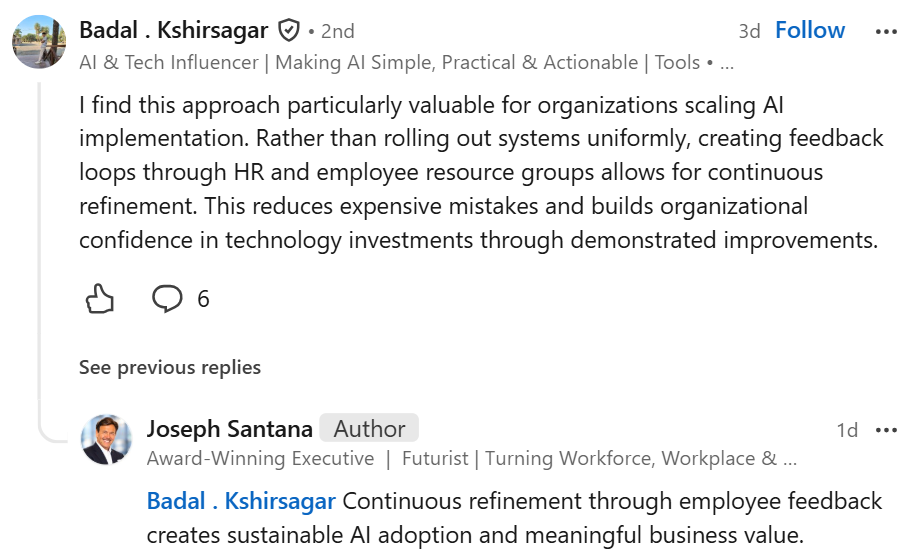
Not all AI model output quality is equal — and this is the most underrated variable in every LinkedIn engagement automation comparison. Grok, Gemini, and GPT-4 each produce comments with distinct tonal signatures. Experienced LinkedIn readers — and there are more of them than most people assume — can detect a templated AI comment within the first sentence. When that happens, the comment doesn't just fail to build credibility. It actively signals inauthenticity, which is worse than saying nothing.
The volume of your LinkedIn comments tells people you're active. The quality of those comments tells them whether you're worth following.
LinkedIn engagement-to-pipeline conversion depends on comments that feel genuinely human — specific, contextually aware, and consistent with the commenter's established voice. A one-size-fits-all AI model output fails this test consistently, which explains why PowerIn's quality complaints keep surfacing despite the tool technically working as described.
What consistently separates top-performing LinkedIn auto comment tools is not the number of comments they fire — it's whether they give users a mechanism to inject personal context, adjust tone per account, or build from the user's own past language rather than generic model defaults.
How to Automate LinkedIn Engagement Without Getting Banned
The practical answer: mimic human behaviour patterns, never exceed LinkedIn's observed rate limits, and always keep a human in the loop before anything posts publicly.
Keep daily automated actions under 50 — connections, comments, and messages combined
Use tools with a review queue — human approval before posting is the single biggest risk reducer
Vary timing — tools that post at exactly the same interval daily are more detectable
Avoid simultaneous logins — logging into LinkedIn from both a tool and your browser simultaneously raises flags
Warm up new accounts — don't start full automation on a fresh profile; build manual activity first
💡
Pro Tip:The safest LinkedIn automation setups use dedicated browser sessions or official LinkedIn API integrations — never browser extensions that inject activity into your main session. Extensions are the most common ban trigger, as LinkedIn can detect the injection method.
The 7 Best PowerIn Alternatives for LinkedIn in 2026
Each tool below was evaluated on: AI comment quality, LinkedIn post generation capability, scheduling and analytics depth, multi-account support, safety profile, and pricing transparency. These are the best PowerIn alternatives for LinkedIn — covering different use cases from solo creators to agencies managing dozens of profiles.
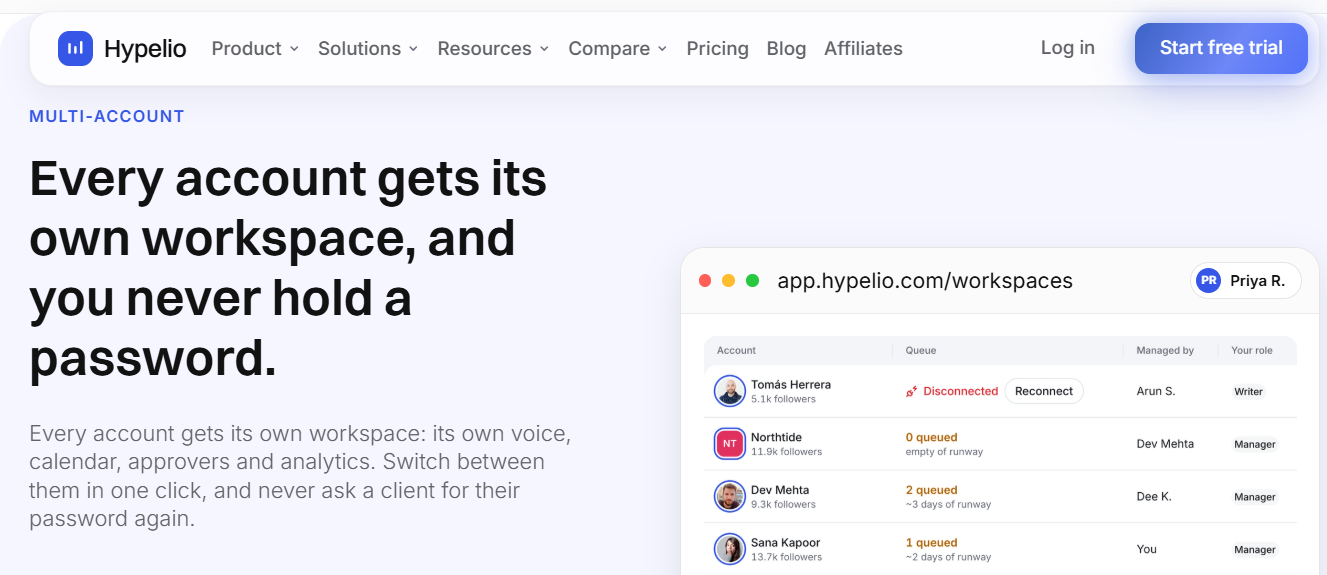
Teams that manage multiple LinkedIn accounts consistently hit the same wall: clients don't want to share passwords, every account needs a distinct voice, and approvals via email or Slack are chaotic. Hypelio's multi-account workspace solves all three. Each connected account maintains its own voice profile, content calendar, and analytics — with no password sharing required.
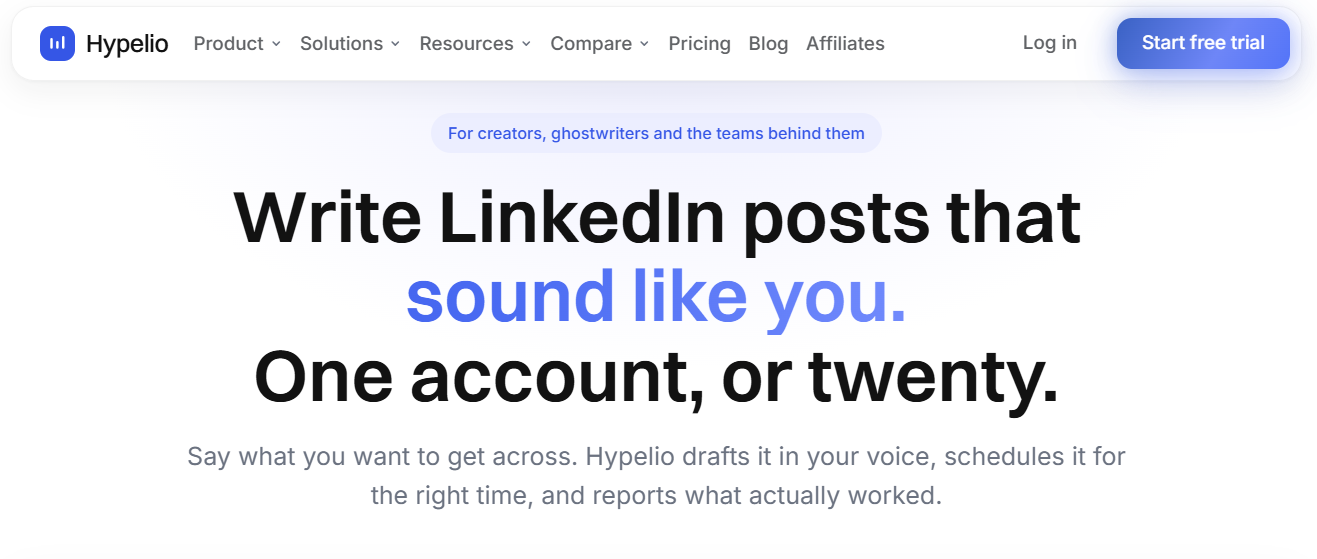
The differentiating feature is the story bank: users record voice notes or drop in raw thoughts, and Hypelio builds AI drafts directly from those words — not from generic model defaults. The result is an ai linkedin post generator that actually sounds like the person it's writing for. Hypelio is rated 4.8/5 on G2 and used by professionals at Google, Meta, Goldman Sachs, and Accenture, making it one of the more enterprise-trusted options in this category.
The client approval workflow sends drafts via a shareable link — clients approve or comment before anything schedules. Scheduling is optimised to each account's audience activity windows, and the client-ready reporting dashboard is one-click. For ghostwriters and agencies, this is the most complete LinkedIn content management setup available in 2026.
4.8/5
Hypelio's rating on G2 — used by teams at Google, Meta, Goldman Sachs, and Accenture
Best for Comment-First Growth: Engage AI, Commenter.ai, and Linkmate
Engage AI is the strongest direct PowerIn alternative for comment-led growth. Its AI drafts comments with awareness of the specific post context — not just the topic category — which produces noticeably more relevant output than tools that apply a single prompt to every post. It includes a human review step before comments post, which makes it one of the safer options in this group.
Commenter.ai prioritises volume and feed breadth. It surfaces a larger pool of posts than most competitors, which suits users targeting high-reach accounts in busy niches. The comment quality is acceptable but less customisable than Engage AI — a fair trade-off if reach is the goal and you're editing comments manually before posting.
Linkmate targets precision over volume. Its filtering is more granular — useful for niche B2B audiences where showing up on the right 20 posts matters more than showing up on 200 broad ones. Creators who skip the niche-targeting step typically find their comment activity attracts irrelevant attention that doesn't convert to followers or conversations in their actual market.
Best for Content Creation and Scheduling: Taplio and Supergrow
Taplio is the most established name in this space. It combines a linkedin post scheduler, an AI writing assistant, and a comment engagement feed in one platform. Its analytics layer is deeper than most tools here — tracking post performance, follower growth, and engagement trends in a usable format. The pricing (~$49/month) reflects that breadth. If you're looking for a Taplio alternative for LinkedIn growth, the honest answer is: only switch if agency features (multi-account, client approval) or voice authenticity are your priority, as Taplio remains strong on scheduling and analytics for solo users.
Supergrow is the leaner option — better suited to solo creators who want an ai linkedin post generator and carousel builder without paying for agency features they won't use. Its safety profile is high because it doesn't automate commenting; it focuses entirely on content creation and scheduling.
Manage Multiple LinkedIn Accounts Without Sharing Passwords
Hypelio gives ghostwriters and agencies a full client workflow — story-bank AI, approval links, and audience-timed scheduling — all in one workspace.
What to Look for in a LinkedIn Automation Tool — and Mistakes to Avoid
The most common failure mode when evaluating LinkedIn engagement automation tools is treating comment volume as the primary metric. Volume is easy to measure. It's also largely irrelevant if the comments don't build recognisable authority in your niche.
Here's what actually matters, split by use case:
For creators and founders:
AI model customisability — can you adjust tone per post, or is it one prompt for everything?
LinkedIn post scheduler with audience-timing optimisation — not just "schedule at 9am"
linkedin analytics tools that track profile visits and follower growth, not just impressions
A human review step before anything posts publicly
For agencies:
Multi-account LinkedIn workflow — one workspace, multiple profiles, no credential sharing
Client-facing approval process — drafts reviewed before scheduling, not after
Role-based access that never exposes client passwords
Scalable, per-account pricing that doesn't penalise growth
🔴
Avoid:Choosing a LinkedIn automation tool based solely on the feature list in its marketing copy. The metric that matters is whether the AI output sounds like you — not whether the dashboard looks impressive. Run a trial and read back five comments aloud. If they sound generic, the tool will damage your brand at scale, not build it.
Taplio Alternative for LinkedIn Growth: When to Switch and What to Switch To
Taplio works well for solo content creators who want an integrated scheduling and engagement tool. The case for switching is specific: if you're managing more than two or three LinkedIn accounts, Taplio's pricing scales uncomfortably fast, and its multi-account workflow isn't designed for agency-style client management. When those pain points appear, Hypelio's per-account model becomes meaningfully more cost-effective, and its client approval and reporting features address exactly what Taplio doesn't cover.
The grow-LinkedIn-following-with-automation trap is worth naming directly: automation accelerates whatever you're already doing. If the content and comments are weak, automation just spreads weak content faster. Tool selection is secondary to strategy — but once your strategy is solid, the right tool makes execution consistent and scalable.
✓ LinkedIn Automation Tool Evaluation Checklist
☐Read back 5 AI-generated comments aloud — do they sound like you?
☐Confirm the tool has a human review or approval step before posting
☐Check whether LinkedIn analytics tools track profile visits and follower growth (not just impressions)
☐Verify multi-account support if you manage more than one LinkedIn profile
☐Confirm pricing scales reasonably — calculate total cost at your expected account count
☐Check whether client credential sharing is required (it shouldn't be)
☐Run a one-week trial before committing — measure profile visits, not just comment count
Ready to Manage LinkedIn Like a Professional?
Hypelio handles content creation, scheduling, approval, and reporting — across every client account, in one place.
Frequently Asked Questions About PowerIn Alternatives for LinkedIn
What is the best alternative to PowerIn for automating LinkedIn comments in 2026?
Engage AI is the strongest direct PowerIn alternative for comment automation, offering context-aware drafts and a human review step. For agencies and ghostwriters who also need post creation, scheduling, and multi-account management, Hypelio is the more complete solution — its story-bank AI builds drafts from your own words, not generic model outputs.
Which LinkedIn engagement tools are safe to use and won't get my account banned?
No LinkedIn automation tool is completely risk-free, as all operate in areas LinkedIn's Terms of Service does not explicitly permit. Tools that require human approval before posting — like Hypelio and Engage AI — carry meaningfully lower risk. Keeping daily automated actions under 50 and using dedicated browser sessions further reduces exposure.
How does PowerIn compare to other LinkedIn automation tools for personal branding?
PowerIn focuses on comment volume, which is the wrong metric for personal brand management. Personal brand authority depends on comment authenticity — specific, contextually relevant responses that reflect a real perspective. Tools like Engage AI and Hypelio provide better mechanisms for voice customisation, which is what actually converts profile visitors into followers and conversations.
Can AI tools help you grow your LinkedIn audience through automated engagement?
Yes, but only when the AI output is indistinguishable from your genuine voice. Automation accelerates distribution — if the comments and posts are high quality, more of them reach more of the right people. If quality is poor, automation spreads that weakness faster. The tool is a multiplier; the strategy and voice come from you.
What are the top LinkedIn automation tools in 2026?
The top LinkedIn automation tools in 2026 are Hypelio, Taplio, Engage AI, Commenter.ai, Linkmate, ReplyGuy, and Supergrow. Each serves a different use case: Hypelio for agencies and ghostwriters, Taplio for solo creators, Engage AI and Commenter.ai for comment-led growth, and Supergrow for content creation without automation risk.
What features should I look for in a LinkedIn automation tool as a creator or founder?
Prioritise AI voice customisability, a human review step, audience-timed scheduling, and analytics that track profile visits — not just impressions. As a founder, you also want a tool that learns from your existing content rather than applying generic model outputs. A linkedin post generator that uses your own words consistently outperforms one built on model defaults.
replyguy vs powerin — which is better for LinkedIn?
ReplyGuy is broader in platform scope; PowerIn is narrower but LinkedIn-specific. ReplyGuy covers LinkedIn and X (Twitter) in one tool, which suits users who need cross-platform comment automation. PowerIn focuses solely on LinkedIn but lacks meaningful post creation or scheduling. Neither excels at voice authenticity — the decisive factor for personal brand outcomes.
What are some of the top LinkedIn automation tools worth evaluating?
Beyond this list, tools worth evaluating include Extrovert, LinkHub, and Lempod for comment pods and engagement groups. Each has a distinct approach: Extrovert focuses on staying visible to buyers; LinkHub adds targeted feed management. Evaluate based on whether the tool fits your primary goal — lead generation, brand visibility, or content volume.
After seeing this across dozens of LinkedIn accounts, the pattern is clear: accounts that automate from a position of genuine strategy and strong content see compounding visibility. Accounts that automate first and figure out the message later plateau — no matter which tool they use.
Written by the team behind Hypelio. We publish what we have actually seen work across the accounts we help run — and say so plainly when something did not.
Writing the post is the easy part
The hard part is the next one, and the one after that, still sounding like you. Hypelio drafts in your voice, keeps the queue full, and works the same whether you run one account or twenty.